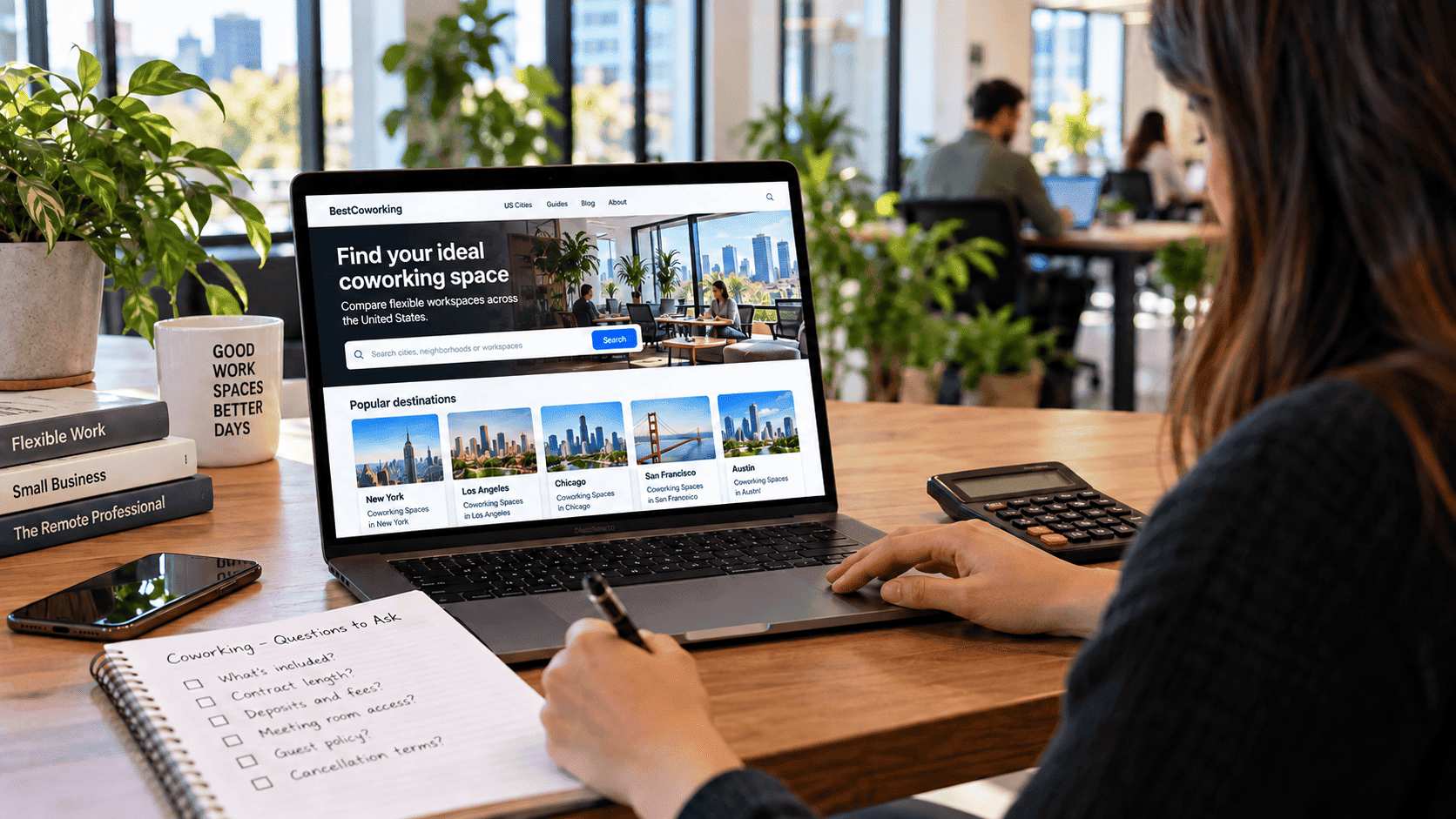
Coworking prices can be hard to compare because operators offer several types of access. A day pass, hot desk membership, dedicated desk and private office may all be available in the same building, yet each can have different access rules, contract terms and additional charges. Before requesting a quote, it helps to know exactly which arrangement you need.
This guide explains how coworking pricing is structured rather than offering a nationwide price estimate. Rates and inclusions differ by city, building and plan. Understanding what you are paying for, how the commitment works and which services cost extra will help you compare quotes on equal terms.
The four common ways coworking spaces charge
Many operators offer some combination of the four arrangements below, although names and inclusions vary. One building might call a hot desk plan a “flex membership” while another uses “shared workspace.” Compare what each plan actually provides rather than relying on its name.
Day passes
A day pass gives you access for a specific day or time window without requiring a recurring membership. It can be useful for an occasional workday away from home, a visit to another city or a trial before choosing a longer plan. Check whether you need to reserve a seat, what hours the pass covers and whether you can leave and reenter the building.
A day pass does not necessarily include every service available to members. Meeting rooms, printing and guest access may require a separate purchase. Availability can also depend on the date and location, so confirm your access before traveling to the building.
Hot desk memberships
A hot desk membership provides recurring access to a shared working area without assigning you the same seat every time. Plans may offer unlimited visits, a fixed number of days each month or access to more than one location. The billing period and booking rules depend on the operator.
This arrangement can suit someone who works from a coworking space regularly but does not need to keep equipment at a particular desk. Ask whether the plan includes meeting room credits, guest visits, community events or extended hours. Those features are not automatically part of every membership.
Dedicated desks
A dedicated desk is a particular workstation assigned to you within a shared office or work area. It provides a consistent place to sit, which can be useful if you visit often and prefer a familiar setup. Some operators permit members to leave a monitor or other belongings at the desk, while others require them to be removed or stored securely.
The price reflects access to a reserved workstation rather than an unassigned seat. If you are considering a dedicated desk, confirm what storage is included, whether equipment can remain overnight and which hours you can enter the space.
Private offices
A private office is an enclosed workspace for an individual or team. Operators may quote a price for the room, per workstation or according to another occupancy arrangement. Size, location, furniture, access and included services can all affect the quote.
Private offices may have different minimum terms, deposits and service allowances from shared-desk plans, but do not assume that every office requires an annual contract or includes reception and meeting rooms. Ask about the exact office you are considering, its permitted occupancy and what the written agreement covers.
| Attribute | Day pass | Hot desk membership | Dedicated desk | Private office |
|---|---|---|---|---|
| Commitment to check | Access for a specified day or time window | Recurring plan; minimum term and notice vary | Recurring reservation of one workstation; term varies | Office agreement; minimum term and renewal vary |
| Assigned space | Usually an available seat in a designated area | Access to shared seating, not a permanent desk | A particular desk assigned to you | An enclosed room allocated to you or your team |
| Access hours to confirm | Hours covered by the pass | Days and hours included in the membership | Building access associated with the desk plan | Building and office access under the agreement |
| Services to check | Wi-Fi, common areas and any paid extras | Wi-Fi, common areas, meeting rooms and guest policy | Wi-Fi, equipment storage and meeting room access | Furniture, meeting rooms, mail handling and guest access |
| Deposit | Check any payment or refundable hold | Ask whether a deposit or setup charge applies | Ask about the deposit and return conditions | Confirm the deposit amount and refund conditions |
| Consider when | You need occasional access or want to try a space | You visit regularly but do not need a fixed desk | You want the same workstation each visit | You need an enclosed workspace for yourself or a team |
Use this table to frame questions, not to predict what any particular building includes. For example, one operator may offer meeting room credits with a hot desk plan while another charges separately. Request the plan details in writing before comparing the prices.
Contract length and commitment
Two plans with similar monthly rates can have different total costs if one requires a longer commitment or makes cancellation more difficult. Check the minimum term, renewal provisions and exit conditions alongside the price.
Month-to-month arrangements generally renew on a recurring basis, but “month-to-month” does not necessarily mean you can leave without notice. The agreement may require advance notice, specify a billing cutoff or impose other conditions. Ask when a cancellation takes effect and whether any payment remains due after you give notice.
Longer-term arrangements may offer a lower monthly rate in exchange for a commitment over several months or longer. The savings only matter if the space still meets your needs throughout that period. Before signing, check the options and costs for ending the agreement early, reducing the number of desks or moving to a smaller office.
Some operators also offer prepaid plans or discounts tied to a specified term. Ask what happens to unused access or prepaid amounts if your circumstances change. A lower advertised monthly rate may not translate into a lower total cost for the period you expect to use the space.
Before agreeing to a longer term, ask what you would owe if you needed to leave early. A cancellation notice period is only one part of the answer; the agreement may also address remaining fees, deposits and early-exit conditions.
Deposits: what they typically cover
Depending on the plan, an operator may request a refundable security deposit or another upfront payment to cover potential unpaid charges, damage or other obligations stated in the agreement. A deposit is not the same thing as a nonrefundable setup fee or advance membership payment, so ask which type of charge you are being quoted.
- For a day pass, ask whether payment is final at checkout and whether a refundable hold applies.
- For a recurring desk membership, check whether a deposit is required in addition to the first billing period.
- For a private office, request the deposit amount and the conditions for its return in the written agreement.
Ask what the deposit is calculated against, which charges or damage could be deducted and when any remaining balance should be returned. If the refund timeline or deductions are unclear, request clarification before paying.
Add-on fees that live outside the base price
A quoted membership rate may cover the desk or office but not every service you expect to use. Confirm the following items for your particular plan:
- Printing and scanning: Is there an included allowance? If so, how are additional pages charged?
- Meeting room access: Are any bookable hours included? What is the rate for additional time and are cancellation fees possible?
- Mail handling and packages: Can you receive mail at the building, and is this available under your membership?
- Guest access: Can a visitor join you at a desk or only in a reserved meeting room? Are guest passes charged separately?
- Parking: Is parking available, included in the rate or billed separately?
- Evening and weekend access: Does your plan cover the hours you need, or is a different plan required?
Also ask about any setup fee, taxes or charges for equipment, storage and additional team members. An itemized quote makes it easier to compare a lower headline rate with a plan that includes more of the services you will actually use.
Questions worth asking before you request a quote
Ask each operator the same questions so the answers are comparable:
- What exactly is included in the quoted price, and what would be billed separately?
- What is the minimum term, how does renewal work and what notice is required to cancel or downgrade?
- Is there a deposit or setup fee, and what are the refund conditions?
- How are meeting rooms and guest visits charged under this specific plan?
- What will I pay upfront, and what would I pay over the period I expect to use the space?
- If my requirements change, can I move to a different desk or office plan, and would that change the agreement?
Once you have itemized quotes, compare the same usage period and include any services you expect to need. If you would like to organize those costs before contacting an operator, the workspace cost calculator can help you structure your budget; the operator must still confirm its actual prices and terms.
Prices and available plans depend on the local market and the individual building. You can browse coworking spaces in New York City or coworking spaces in Los Angeles to identify locations you want to compare. For other markets, explore U.S. workspace listings and contact the operators directly for a quote based on your access needs, team size and preferred commitment.